
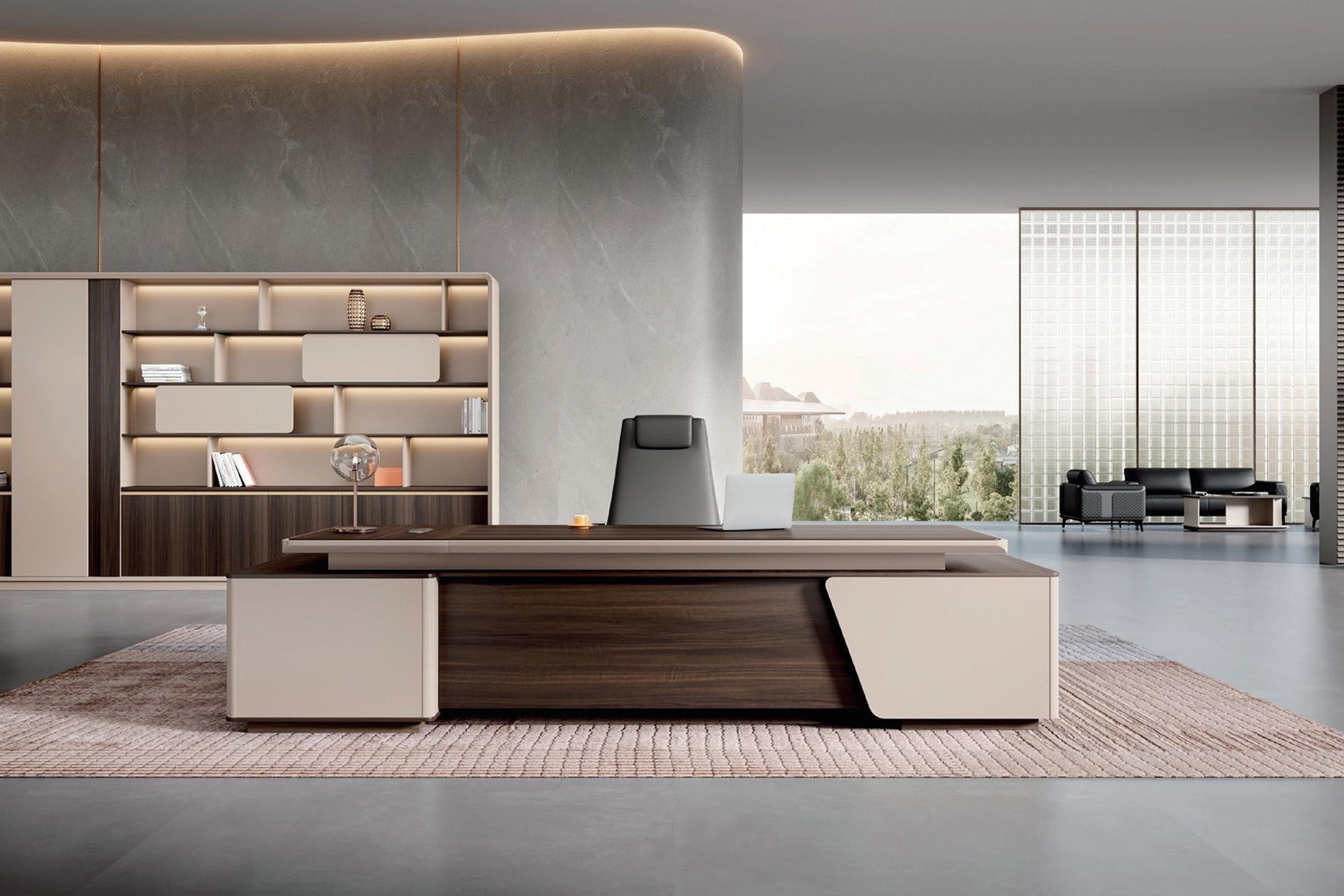


An office chair can feel comfortable in a showroom and still be wrong for the office. The armrests may stop it short of the desk. A deep seat may push a shorter user away from the backrest. A compact-looking executive chair may roll on a base much wider than the seat, narrowing the aisle every time someone stands up.
This is why standard office chair dimensions are more useful as a checklist than as one “correct” size. A chair has to fit three things at once: the person sitting in it, the desk in front of it, and the floor area used to approach, swivel, and roll away. Checking only overall height or seat width misses most of the conflicts that appear after delivery.
Before comparing chairs in the Zimasya office chair collection, record the dimensions that control those three fits. Upholstery and finish matter, but neither can fix a chair that keeps the user too far from the keyboard.
Begin With the Chair While Someone Is Sitting in It
Catalog dimensions describe an unloaded object. People use a chair after the cushion compresses, the height is adjusted, the armrests are raised or lowered, and the back is allowed to recline. That working position is what needs to fit.
Start with seat height. Some ergonomic purchasing checklists call for adjustment within a broad 15-to-22-inch range from the floor to the top of the seat. That is a procurement reference, not a promise that every point in the range will suit every user. At the chosen setting, the feet should be supported and the thighs should not be forced upward by the desk. If the desk is high enough to require raising the chair beyond the user’s comfortable foot position, a stable footrest may be needed.
Seat depth is a different measurement. It runs from the point where the back contacts the backrest to the front edge of the seat—not from the outermost rear plastic cover. Many task-chair checklists use about 16.9 inches as a reference for a fixed-depth seat, but the body test matters more than the decimal. With the user sitting against the backrest, the front edge should support the thighs without pressing into the back of the knees. A gap of about two fingers is a useful field check.
Seat width should be measured across the usable cushion. The user needs room to sit without the arm supports or side bolsters pressing against the hips, while a needlessly wide seat can place fixed armrests too far apart. A usable width near 18 inches is a sensible shopping reference for a general task chair, not an ideal width for every body.
These three measurements solve different problems. A tall seat is not automatically deep. A wide outside shell does not guarantee a wide usable cushion. And a chair with a large overall footprint may still have a seat that does not support the intended user.
The Product Listing May Not Show the Number You Need
An office chair size is often summarized as length x width x height. Those figures help compare overall scale, but sellers do not always use “length” and “width” for the same edges. The listed width may include the armrests, the seat alone, or the base. Overall height may be measured at one height setting even when the chair is adjustable.
The safest approach is to look for a labeled diagram and identify each line before comparing two models. At minimum, separate these measurements:
- Seat height:floor to the top of the occupied seat cushion.
- Usable seat width:clear seating area between the arms or raised edges.
- Usable seat depth:back-support contact point to the front edge.
- Armrest height:seat surface to armrest top, plus floor to armrest top at the working setting.
- Outside armrest span:the chair’s widest point near desk height.
- Base diameter or rolling width:the widest reach of the five-star base and casters.
- Overall height:floor to the highest point of the backrest or headrest.
- Recline envelope:the extra rear space needed when the backrest tilts.
Notice that the seat, arms, and base can each have a different width. Using “chair width” without identifying which one it means can produce a correct number and a wrong purchase.
Two Listed Sizes Can Describe Very Different Chairs
The two product pages below show why the label matters. The Zimasya adjustable office chair with back support lists a Size value of 18.9 inches long by 18.1 inches wide, with an overall height of 35.0 to 38.2 inches. It also offers flip-up armrests, which can matter in a tight workstation.
The Zimasya modern reclining office chair currently lists three Size values: 28 x 32 x 44, 28 x 28 x 44, and 30 x 30 x 48 inches. Those options signal a larger overall format, but they still do not tell a buyer the usable seat depth, the clear width between the arms, or the exact height of the armrests at the desk.
Neither set of numbers makes one chair better; the two designs serve different spaces and sitting preferences. Summary dimensions are simply a first filter. When a critical dimension is absent, confirm it from the product diagram or ask before ordering rather than assigning your own meaning to the listed length and width. Product dimensions and options can also vary by version, so check the selected configuration rather than relying on a collection thumbnail.
Copy the Fit of a Chair That Already Works
If the intended user already has a chair that feels right, it is the best measuring reference available. Do not copy only its brand size or overall height. Measure it in the position actually used at the desk.
- Set the working height.Have the user adjust the chair, place both feet as normally supported, and sit against the backrest. Measure from the floor to the compressed top of the seat near the front edge.
- Measure usable seat depth.Start where the user’s lower back meets the backrest and measure to the front edge. Also note the actual gap behind the knees.
- Measure the clear seating width.Measure between the arm supports or between any raised side bolsters, not across the outside of the chair.
- Record both armrest dimensions.Measure from the seat to the armrest top for body fit, then from the floor to the armrest top for desk clearance. Measure the outside-to-outside span as well.
- Trace the rolling base.Mark the widest caster-to-caster distance. This number often determines whether the chair clears a pedestal, desk leg, floor outlet, or narrow aisle.
- Test recline and exit movement.Measure how far the backrest travels behind its upright position and how far the chair normally rolls back before the user can stand.
- Photograph the tape measure.A few labeled photos prevent confusion when comparing product diagrams later, especially when several people are involved in purchasing.
This creates a personal fit record. It is more reliable than asking whether a chair is “standard size,” because it connects every number to a position that the user already knows.

Desk Fit Is Usually Decided by the Armrests
A chair can have the right seat height and still force the user too far from the keyboard. Armrests often hit the desktop edge, a thick apron, a drawer, or a modesty panel before the user reaches a comfortable position.
Measure desk clearance at the exact bay where the chair will sit. Floor-to-desktop height is not enough. Measure floor to the lowest obstruction, the clear opening between pedestals or legs, and the depth of that opening. Then compare those figures with the chair at the user’s working height.
The ideal result is not necessarily that the entire chair disappears under the desk. The test is whether the user can sit close enough to work with relaxed shoulders and elbows near the body. If fixed armrests block that position, lowering the chair may create a second problem: the keyboard becomes too high and the knees may approach the underside. Flip-up or height-adjustable arms can help, but only if their lowered or raised position works for the user.
Also check the base. A 28-inch rolling base may collide with the side of a pedestal before the seat is centered in a 24-inch knee opening. Casters can slip partly under some raised cabinets but stop against a full-height panel. Make the collision test at floor level as well as armrest height.
Room Fit Is a Moving Envelope, Not the Chair’s Parked Outline
Floor plans often show an office chair as a neat rectangle tucked beneath the desk. In daily use, the chair rolls backward, turns, and may recline. The user also needs somewhere to place the feet before standing. A wall, credenza, guest chair, or open cabinet door can occupy that same area.
Instead of asking how much space the chair takes, mark two zones. The first is the parked zone under or near the desk. The second is the working envelope from the desk edge to the farthest point reached during a normal exit. Add the backrest extension if the chair reclines regularly.
There is no single clearance that works for every chair and circulation pattern. A 36-inch line measured from the user-side desk edge is a useful early screening mark, but it can be too little when the chair has a deep recline, a large base, or a walkway behind the user. Where people must pass while the chair is occupied, test the chair zone and the walking zone separately. The Zimasya guide to space behind a desk and chair clearance explains how to mock up that movement before furniture arrives.
A simple tape outline works well. Tape the desk edge, base diameter, and normal rollback point on the floor. Place a box where a cabinet or wall will be. Then have the intended user repeat the movement of sitting down, reaching the keyboard, rolling back, turning, and standing. A static width measurement cannot reveal all of those conflicts.
What to Confirm Before Placing the Order
Once the body, desk, and room checks are complete, the buying question is specific: does this configuration fit this workstation?
Confirm the selected version’s usable seat width and depth, seat-height range, armrest adjustment and outside span, base width, overall height, and recline behavior. Ask whether the stated dimensions include armrests and casters. For a carpeted office, also confirm that the caster type is appropriate for the floor; a chair that requires excessive force to roll changes how the workstation feels and can encourage awkward reaching.
For a shared desk, record the working settings of each frequent user. The chair needs an adjustment range that covers the smallest and largest intended users without making setup cumbersome. A wide numerical range is helpful only when the controls are accessible and the backrest, seat depth, and armrests can also be positioned appropriately.
If the product page does not resolve a fit-critical question, send the dimension list and workstation measurements through the Zimasya contact page. A precise question—“What is the floor-to-armrest height at my 18-inch seat setting?”—is much easier to answer than “Will this fit my desk?”
Frequently Asked Questions
What are standard office chair dimensions?
There is no single universal office chair size. For general task seating, useful shopping references are a seat near 18 inches wide, a fixed seat depth around 16.9 inches, and height adjustment somewhere within a broad 15-to-22-inch range. Executive, big-and-tall, drafting, and compact chairs can fall outside those figures. Use them to narrow the search, then check the intended user, desk opening, armrests, and rolling base.
What office chair seat height works with a standard desk?
The correct seat height is set by the user’s leg position and the keyboard height, not by the desk label alone. The feet should be supported, the thighs should not be compressed, and the shoulders should remain relaxed while typing. Measure the underside of the actual desk because aprons, drawers, and cable hardware can reduce clearance.
How deep should an office chair seat be?
The user should be able to sit against the backrest while leaving a small gap between the seat edge and the back of the knees. About two fingers is a practical check. A depth adjustment is valuable when people with different thigh lengths share a chair.
Should office chair armrests fit under the desk?
Not always completely, but they must not prevent the user from reaching a comfortable keyboard position. Compare the armrest height and outside span with the desk’s lowest obstruction and clear opening. Flip-up or adjustable armrests can reduce interference, provided they still support the user when needed.
Does office chair width include the armrests?
Sometimes, but the label is not consistent across every product page. It may describe the seat, outside armrest span, or rolling base. Look for a labeled diagram or ask which physical points were measured before using the number in a floor plan.
How much room is needed behind an office chair?
Measure the actual rollback distance required to stand, then add any passage that must remain open behind the user. A compact workstation may begin its test around 36 inches from the user-side desk edge to the obstruction, but recline depth, base size, user movement, and through-traffic can require more. A taped mockup is more dependable than a universal allowance.
Choose a Chair by the Space It Uses in Motion
The most useful office chair dimensions are rarely the three largest numbers in a product summary. Seat height, usable depth, armrest position, base diameter, and rollback distance determine whether the chair supports the body, reaches the desk, and leaves the room workable.
Measure a chair that already fits, test the desk opening at more than one height, and trace the chair’s movement on the floor. The result is a usable chair specification instead of a vague request for a standard size. It also reduces the chance that a chair that feels fine at the seat creates problems at the desk and in the aisle.


